
Share a study to give another team in your organization access to it.
How to share a study
- Click Share on the study's card in My Studies, in the Results toolbar, or click the person icon in the survey builder.
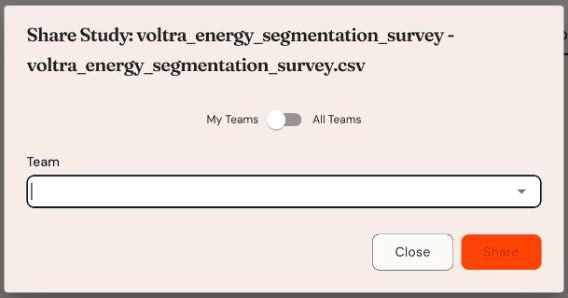
- In Share Study, use the toggle to choose between My Teams (teams you belong to) and All Teams.
- Select the Team to share with.
- Click Share.
Members of that team can then find the study in their studies list when that team is their current team.
Want someone to just see the survey? Copy the Preview link instead.