
Once you've saved an audience, you can ask it new questions at any time from the Simulation page, without opening a study.
Saving an audience
Audiences are saved when you:
- Narrow a slice in PDU Explorer and click Simulate with this audience, or
- Run a simulation from a study's Simulation tab. See AI Simulation.
Asking a saved audience questions
- Click Simulation in the top navigation.
- Pick an audience from Saved audiences on the left.
- Ask your questions and review the results.
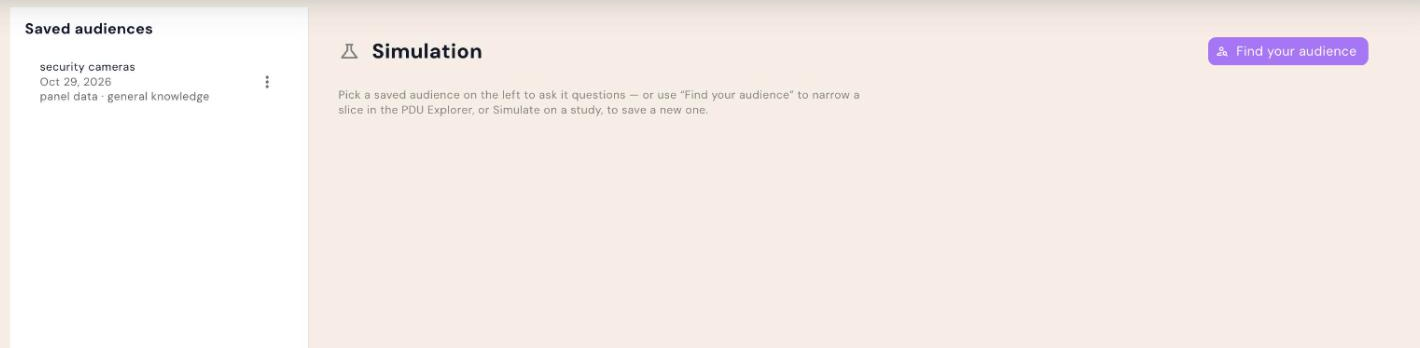
No saved audiences yet? Click Find your audience to open PDU Explorer and build one.
Simulation gives a fast, directional read. For decisions that need precision, confirm with real respondents.