
Already have a questionnaire in Word or PDF? Panoplai can extract the questions and build the study for you, so you don't have to retype it.
Start a new study from a document
- Click New Study in the top navigation.
- Under Start with, select Document (Extract questions from a file).
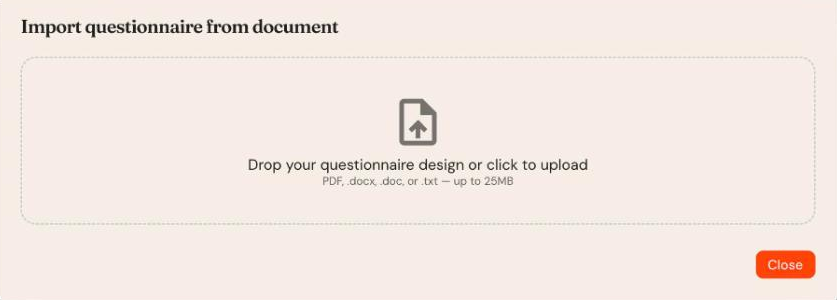
- In Import questionnaire from document, drop your file into the box or click to upload it.
Supported formats: PDF, .docx, .doc and .txt, up to 25 MB.
Add questions to an existing study
In the survey builder (Build step), click Import from document above the question list and upload your file. The extracted questions are added to the study.
After importing
- Review every question. Check question types, answer options, grids and logic.
- Add any instructions, terminations or media the document didn't capture.
- Test the flow in Preview before you launch.
Tip: Clean, consistently formatted questionnaires (numbered questions with answer options listed beneath) import most accurately.