
Start your study faster with a template. Choose from Panoplai's templates or one your organization has saved. Templates help you move quickly and stay consistent.
How to start from a template
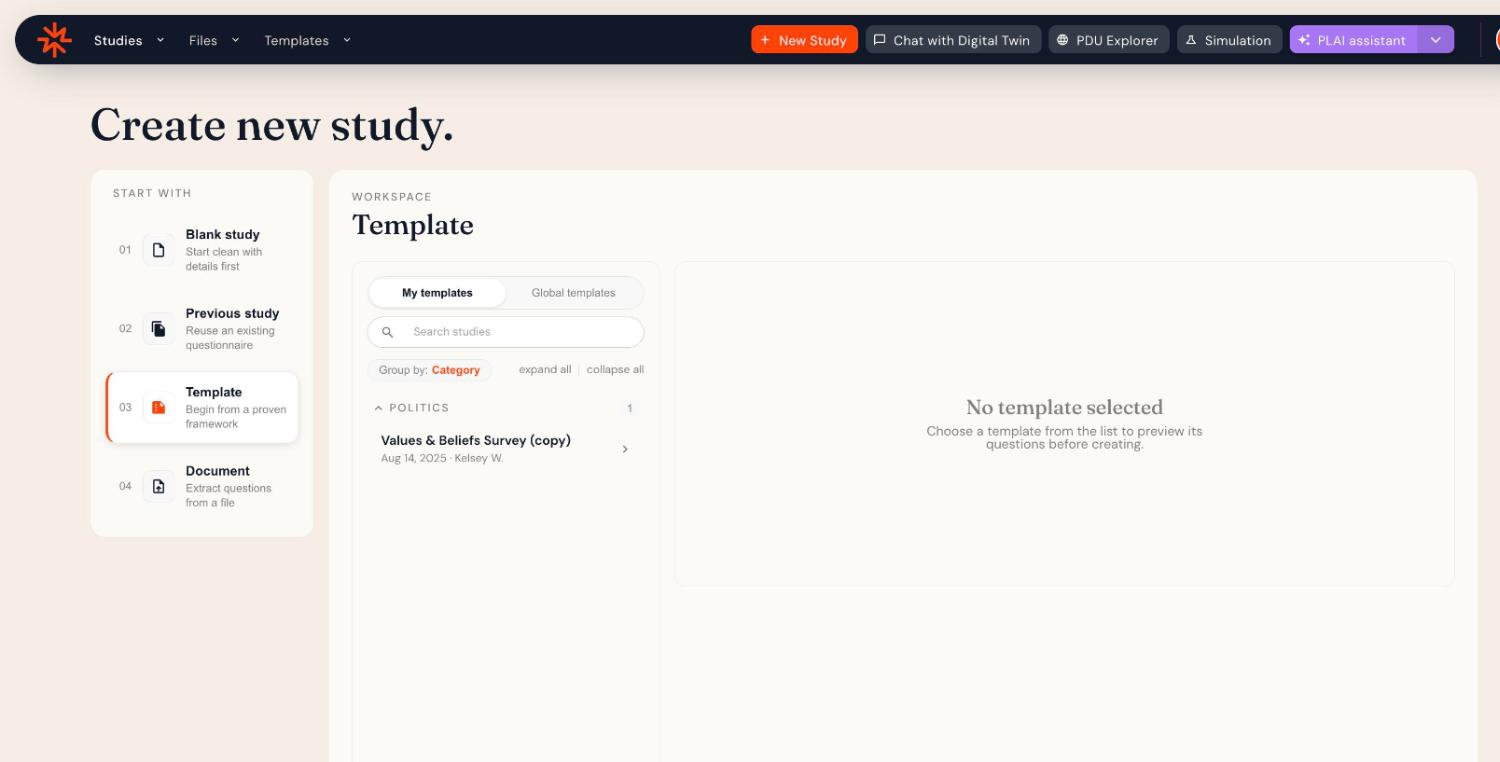
- Click New Study in the top navigation.
- Under Start with, select Template (Begin from a proven framework).
- Switch between My templates (your organization’s) and Global templates (Panoplai’s). Select a template to preview its questions, then create your study.
To browse all templates available to you, hover over Templates in the top navigation and choose My Templates or Public Templates.